One of the best ways to test your web design skills is to try and re-design any professional web page that already exists. You can pick anything like amazon eBay or even goal.com which we are currently working on. Here we start with something very simple by re-constructing the whatsapp download page. You can capture the following concepts from the code:
Align image logo with heading and navigation menu items, create a two column layout and nest a three column layout under a dual layout.Create simple buttons with the <p> element.
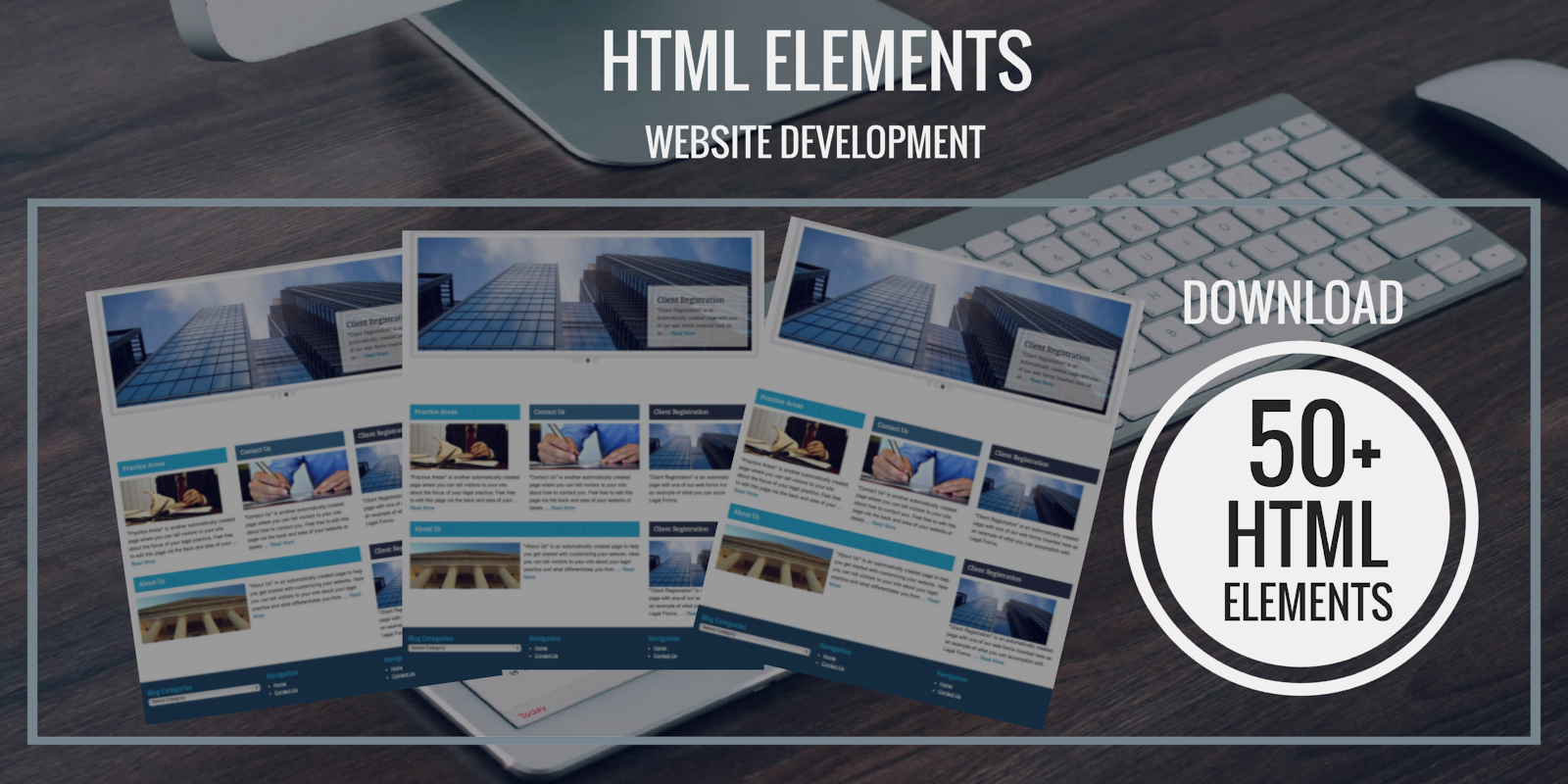
Under the downloads section we provide quick codes that you can easily integrate into your project. Code snippets includes designs for navigation menus forms tables lists links and other useful scripts.
CSS TEMPLATES
All the CSS that a student needs to know is provided under one file.. It is a very useful css tool kit with over 90 codes provided in both text and html format. Get the file here:Download
The three most used navigation types are the left right and center aligned navigation menus. History has proven that it is difficult to get these right especially for newbies. You can get the three menus here: Download
FORM ELEMENTS
Here we provide you with useful form elements, download the forms here: Download
TABLES
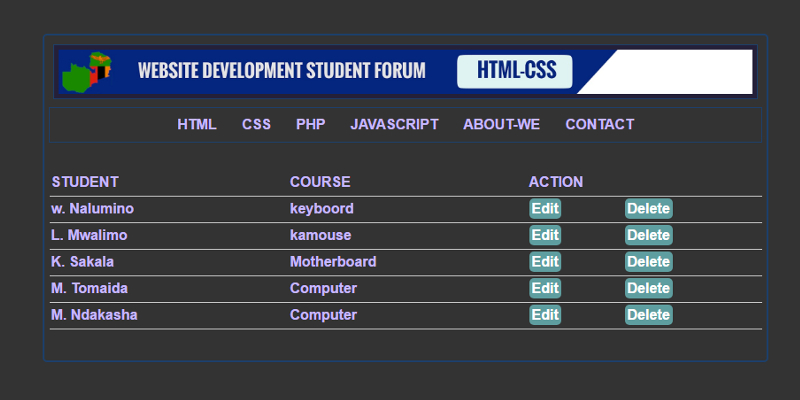
Tables are as interesting as a complex woman. Here we provide you with three different types of commonly used html-css tables: Download
LISTS
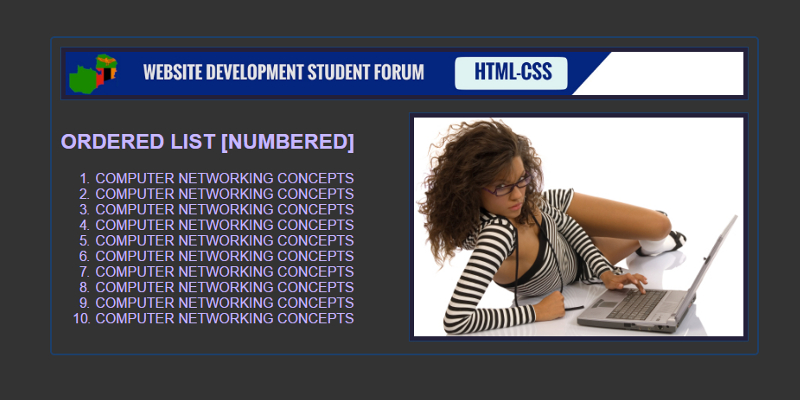
Download ordered and unordered lists right here: Download
FLOAT IMAGES
Images can be positioned on a web page using the float property. We explore the float left right and center css image positioning. Download
APPLYING IMAGE BORDERS
We can apply borders margin and padding to an image on our web page using a variety of techniques. Download
IMAGE LINKS
We can use images the same way we use the anchor element to link to both internal and external destinations. Download






 WEB-TECHNOLOGY FOR STUDENT DEVELOPERS